
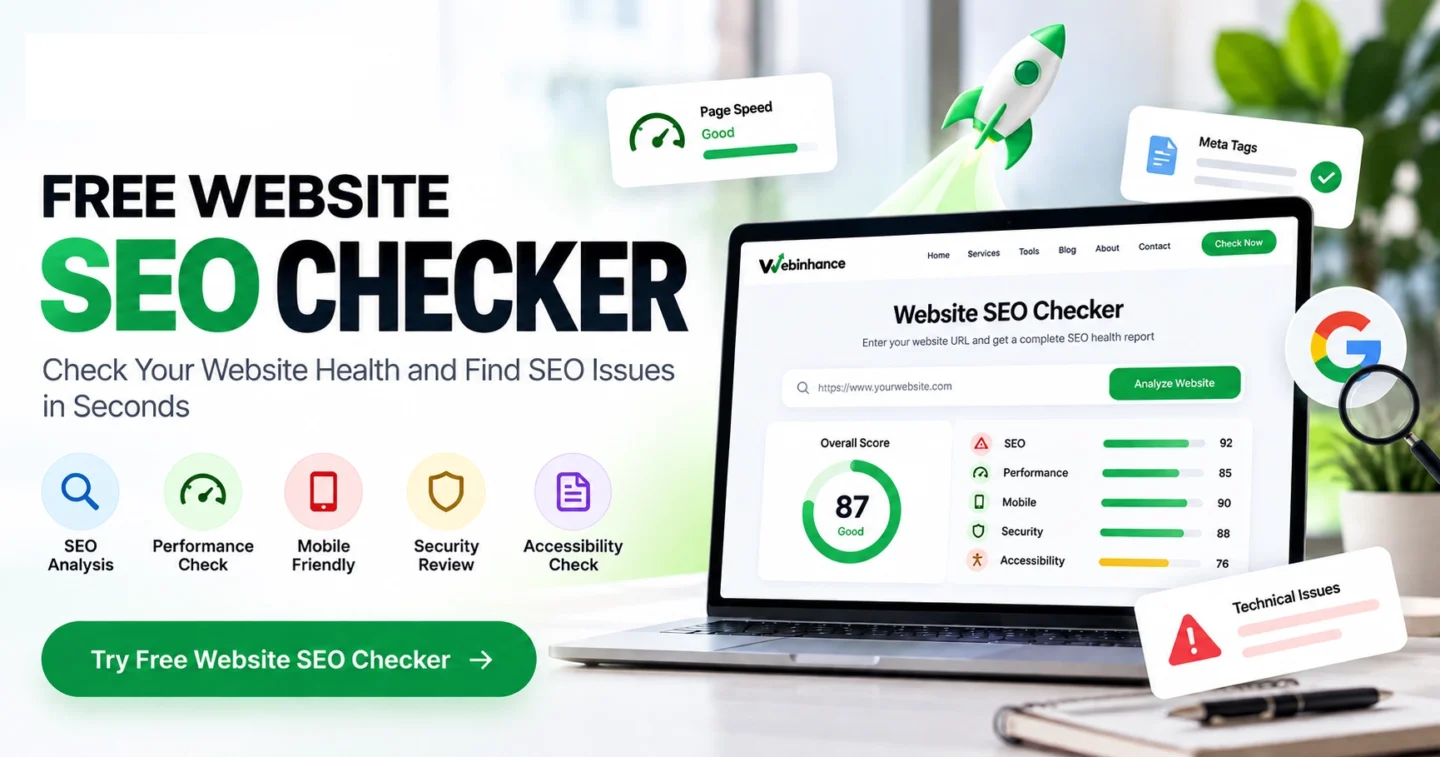
A website SEO checker helps you identify potential problems with your website’s SEO, performance, accessibility, mobile configuration, and technical health.
In this guide, you’ll learn how to check your website’s SEO, understand common website health issues, and take practical steps to improve your website.
Want to check your website right now? Try the Free Website SEO Checker by Webinhance to analyze a public webpage and get actionable recommendations.
What Is a Website SEO Checker?
A website SEO checker is an online tool that analyzes detectable SEO and technical signals on a webpage. It helps website owners, marketers, developers, and businesses identify issues that may require attention.
A website SEO audit can reveal problems such as:
- Missing or poorly optimized title tags
- Missing meta descriptions
- Incorrect or missing canonical tags
- Unintended noindex directives
- Missing image alternative text
- Slow server response times
- Excessive redirects
- Missing mobile viewport configuration
- HTTPS configuration problems
- Missing structured data
Not every warning directly affects Google rankings. A useful SEO checker helps you understand which issues matter and what to investigate first.
Why Is Website Health Important for SEO?
Website health refers to the technical condition, accessibility, performance, and usability of a website. A technically healthy website makes it easier for search engines to access content and for visitors to navigate pages.
1. Search Engine Crawling and Indexing
Google needs to discover and crawl your pages before they can appear in search results. Incorrect robots.txt rules, unintended noindex directives, and server errors can interfere with this process.
2. Website Speed and Performance
Slow-loading pages can frustrate visitors and affect conversions. Page experience matters, although a fast website alone does not guarantee higher search rankings.
3. Mobile User Experience
Google primarily uses the mobile version of website content for indexing. Your website should provide accessible content, readable text, and usable navigation across different screen sizes.
4. Website Security
HTTPS helps protect information exchanged between visitors and your website. Security configuration should be reviewed as part of ongoing website maintenance.
5. User Experience and Conversions
A website should help visitors understand your business, explore your services, and take the next step. Clear navigation, useful content, and functional contact forms can improve the customer journey.
How to Check Your Website SEO for Free
You don’t need advanced technical knowledge to perform an initial website health check. Follow these steps using the Webinhance SEO Checker.
Step 1: Open the Free Website SEO Checker
Visit the Webinhance Website SEO Checker.
Step 2: Enter Your Website URL
Enter the complete public webpage URL you want to analyze, including HTTPS when available.
Step 3: Start the Website Analysis
Click the Analyze Website button. The tool reviews available technical and SEO signals for the submitted webpage.
Step 4: Review Your Website Health Score
The report provides a website health score based on available checks. Always review report coverage because unavailable data can affect the completeness of the assessment.
The score is a diagnostic summary, not an official Google ranking score.
Step 5: Identify Important SEO Issues
Review critical findings, warnings, passed checks, and unavailable data. Pay particular attention to problems that could prevent visitors or search engines from accessing your webpage.
Step 6: Fix Issues and Test Again
Implement appropriate changes and run another website health check. Repeat the process for other important pages because a single-page scan does not audit your entire website.
What Does the Webinhance Website SEO Checker Analyze?
The Webinhance tool combines webpage-level checks with available Google PageSpeed Insights data to help you understand different aspects of website health.
SEO Analysis
- Page title and meta description
- H1 heading presence and count
- Canonical URL declarations
- Indexability directives
- Image ALT attribute coverage
- Social metadata
- Structured data presence
- Robots.txt and sitemap.xml availability
Website Performance Analysis
- Server fetch time
- HTTP redirect count
- Decoded HTML size
- Available Lighthouse performance results
- Available performance diagnostics
Mobile Configuration
The tool checks for a device-width viewport declaration and displays available mobile Lighthouse results. Manual testing is still important for confirming real-device usability.
Website Security Checks
The checker reviews HTTPS usage and HTTP response status. It is not a comprehensive vulnerability scanner or security audit.
Accessibility Analysis
The report reviews image ALT attribute coverage, document language, and available Lighthouse accessibility results. Automated accessibility checks cannot identify every accessibility issue.
10 Common Website SEO Issues and How to Fix Them
1. Missing Title Tags
A title tag helps describe the topic of a webpage to search engines and visitors.
Solution: Write a unique, descriptive title for every important page. Include the primary keyword naturally when relevant.
2. Missing Meta Descriptions
Meta descriptions summarize page content and may be used in search result snippets.
Solution: Write useful descriptions that explain the page’s value. Google may generate a different snippet depending on the search query.
3. Incorrect Canonical Tags
Canonical tags help search engines understand which URL you prefer when similar or duplicate pages exist.
Solution: Check that important pages reference the appropriate canonical URL and that internal links consistently use your preferred URL format.
4. Unintended Noindex Directives
A noindex directive tells compatible search engines not to include a page in their search indexes.
Solution: Remove unintended noindex directives from pages that should appear in Google. Keep intentional noindex settings where appropriate.
5. Slow Website Performance
Heavy images, excessive JavaScript, inefficient code, and slow hosting can contribute to performance problems.
Solution: Compress images, use appropriate caching, reduce unnecessary scripts, and investigate server performance.
6. Missing Image ALT Text
Alternative text helps explain meaningful images to people using assistive technologies.
Solution: Add descriptive ALT text to informative images. Use empty ALT attributes for purely decorative images.
7. Poor Mobile Experience
Visitors may struggle with small buttons, overflowing content, unreadable text, and difficult navigation.
Solution: Use responsive layouts and test your website on different screen sizes and devices.
8. Broken Internal Links
Broken links can interrupt navigation and make content harder to discover.
Solution: Use a dedicated website crawler to find broken links, then update or redirect affected URLs. A single-page SEO checker may not crawl all links.
9. Sitemap and Robots.txt Problems
XML sitemaps help search engines discover important URLs, while robots.txt provides crawling instructions.
Solution: Verify sitemap accessibility, review robots.txt directives, and submit the correct sitemap in Google Search Console.
10. Missing Structured Data
Structured data helps search engines understand specific types of page content.
Solution: Implement relevant Schema.org markup and validate it using appropriate testing tools. Structured data does not guarantee rich results.
Website SEO Checker vs Google PageSpeed Insights
Both tools can help evaluate a website, but they focus on different aspects of its health.
- Website SEO Checker: Reviews detectable SEO signals, page metadata, indexability, and other technical checks.
- Google PageSpeed Insights: Focuses on performance, user experience metrics, and Lighthouse audits.
- Google Search Console: Helps website owners understand Google Search performance, indexing, and crawling information.
Using these tools together can provide a more complete understanding of website health.
How Often Should You Run a Website SEO Audit?
The ideal frequency depends on your website’s size and how often it changes.
- Small business websites: Consider a monthly technical review.
- E-commerce websites: Review important pages regularly, especially after product or platform changes.
- Blogs and content websites: Check important pages after major content updates.
- Redesigned websites: Run checks before and after launching changes.
- WordPress websites: Review important functionality after significant theme or plugin updates.
These are practical starting points, not mandatory schedules.
Can a Website SEO Checker Improve Google Rankings?
A website SEO checker cannot directly improve rankings. It identifies potential issues that you can investigate and fix.
Google rankings depend on many factors, including relevant content, search intent, website accessibility, usefulness, and competitive conditions.
For sustainable SEO improvements, focus on:
- Creating original, helpful content
- Matching the search intent behind target keywords
- Making important pages crawlable and indexable
- Improving website navigation and internal linking
- Providing a reliable mobile experience
- Maintaining accurate business information
- Monitoring organic search performance
Why Use Webinhance for Website Health Checks?
Webinhance provides a free website SEO checker designed to make technical website analysis easier to understand.
With the Webinhance tool, you can:
- Analyze a public webpage without creating an account
- Review available SEO and technical checks
- Understand website health findings
- Identify issues that need further investigation
- Get recommendations for improving your webpage
Webinhance also provides WordPress development services and Shopify development services for businesses looking to improve or modernize their websites.
Frequently Asked Questions About Website SEO Checkers
Is the Webinhance Website SEO Checker free?
Yes. You can analyze a public webpage without signing up. Usage limits may apply.
How do I check my website SEO score?
Open the Webinhance Website SEO Checker, enter your webpage URL, and start the analysis. Review the score alongside the available checks and report coverage.
Can I check my website SEO without technical knowledge?
Yes. An SEO checker can help you identify common issues and understand recommended fixes. Some technical changes may require developer assistance.
Does a website SEO checker guarantee first-page rankings?
No. An SEO checker identifies issues but cannot guarantee Google rankings, traffic, or conversions.
Can I check WordPress and Shopify websites?
Yes. You can analyze publicly accessible pages built with WordPress, Shopify, or other website platforms.
Does the tool check my entire website?
No. The Webinhance checker analyzes the submitted public webpage and selected supporting signals. A complete site audit requires broader crawling and additional tools.
Final Thoughts: Start Improving Your Website Health Today
Regular website SEO checks can help you identify technical problems, improve accessibility, investigate performance issues, and maintain a better experience for visitors.
Start by checking your most important pages, reviewing critical findings, and implementing changes based on their actual impact.
Ready to check your website? Use the Free Website SEO Checker by Webinhance to generate a website health report and discover what to improve next.
Need professional help? Contact Webinhance for website development, technical fixes, performance optimization, and website improvement services.